Once I managed to get tennissolitaire.com online, I noticed that my Chrome tabs and Google search results had a large pig butt logo next to my website name.

Being new to this, I didn't know these are called favicons. I used Porkbun to register my domain names, and the Porkbun favicon was displaying with Tennis Solitaire. Apparently, if you don't create your own favicon, Google seems to remember the domain name vendor and uses theirs. Porkbun has been a pretty easy service to figure out and I'm happy to recognize them, but I wanted a favicon specifically for the game.

I consulted Claude for some general guidance, and was directed to a few free web-based favicon generators. I checked out a few of them, but they looked a little questionable. A Google search returned a Canva favicon generator so I decided to try that.
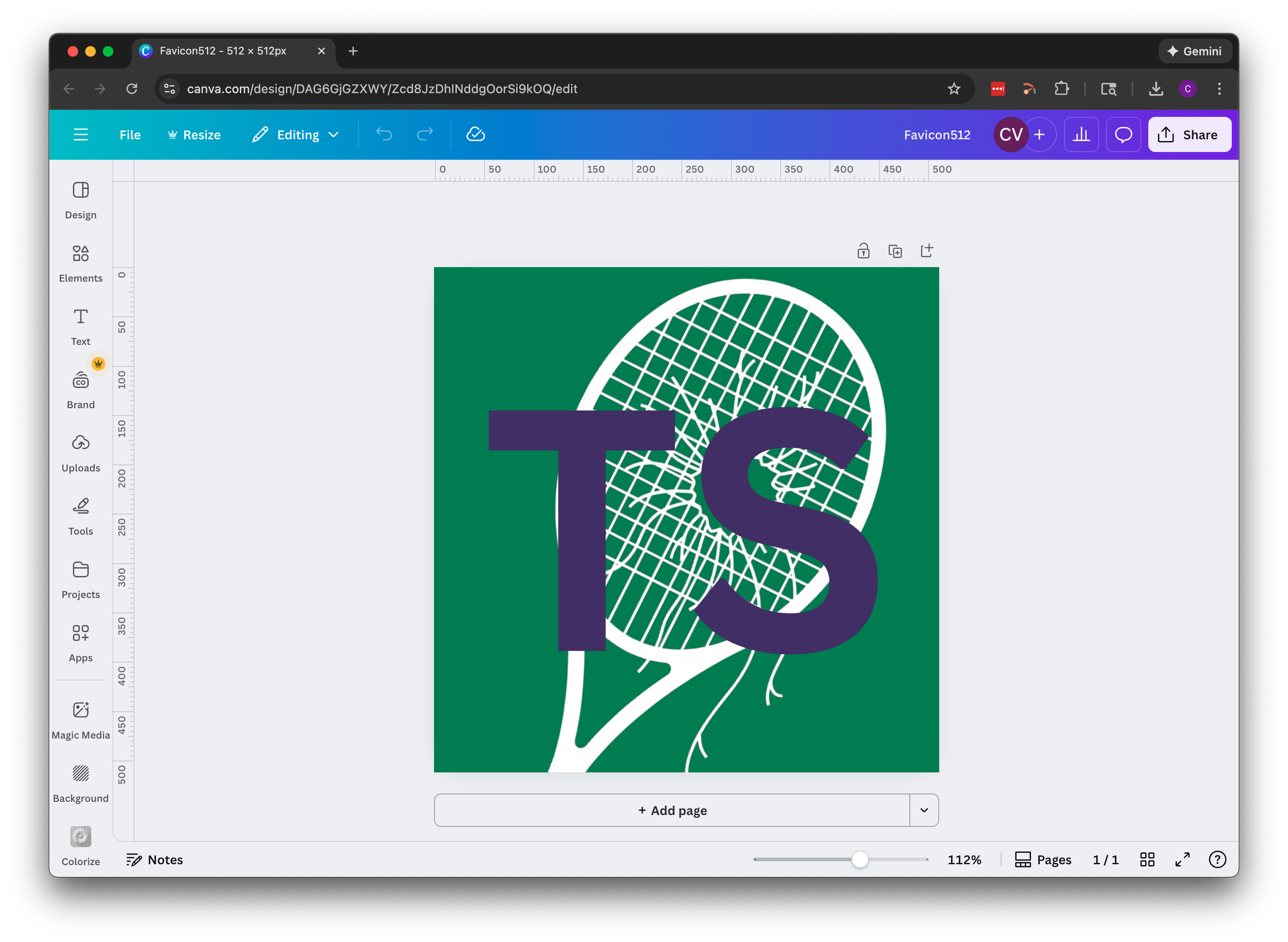
It was nothing more than a blank 500x500 Canva project. That isn't even the right size for the main favicon (512x512), but since I had a bunch of my other designs already in Canva, this is where I started. Here's my first favicon design:
You actually need a bunch of files to implement favicons properly, so once I had the design set in Canva, I went back to check out a few more free generators. I ended up settling on realfavicongenerator.net. It was very easy to use. I forgot to screenshot the process when making the Tennis Solitaire favicon package, but I followed the same process for the Shallow Concept site I built afterwards.
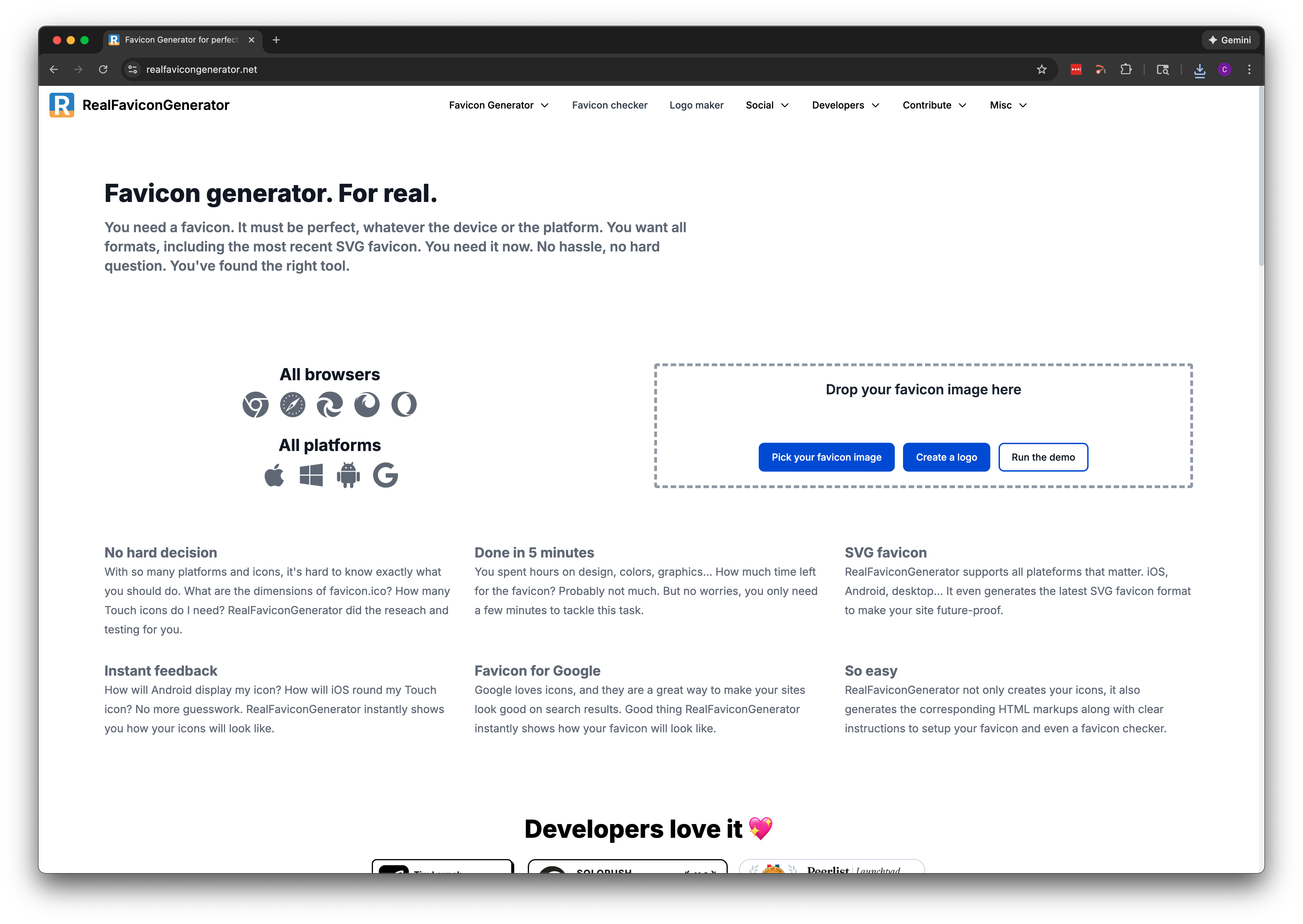
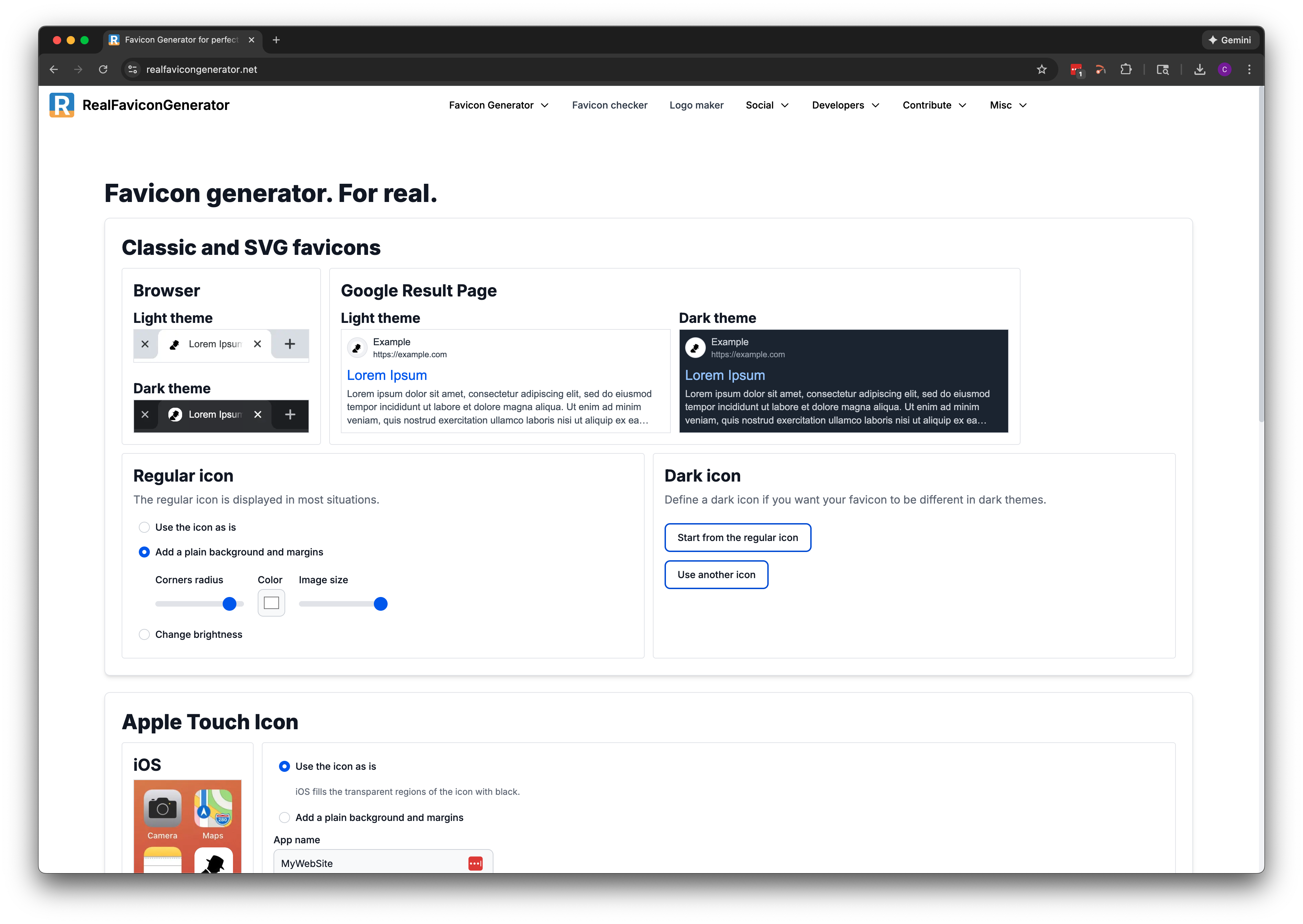
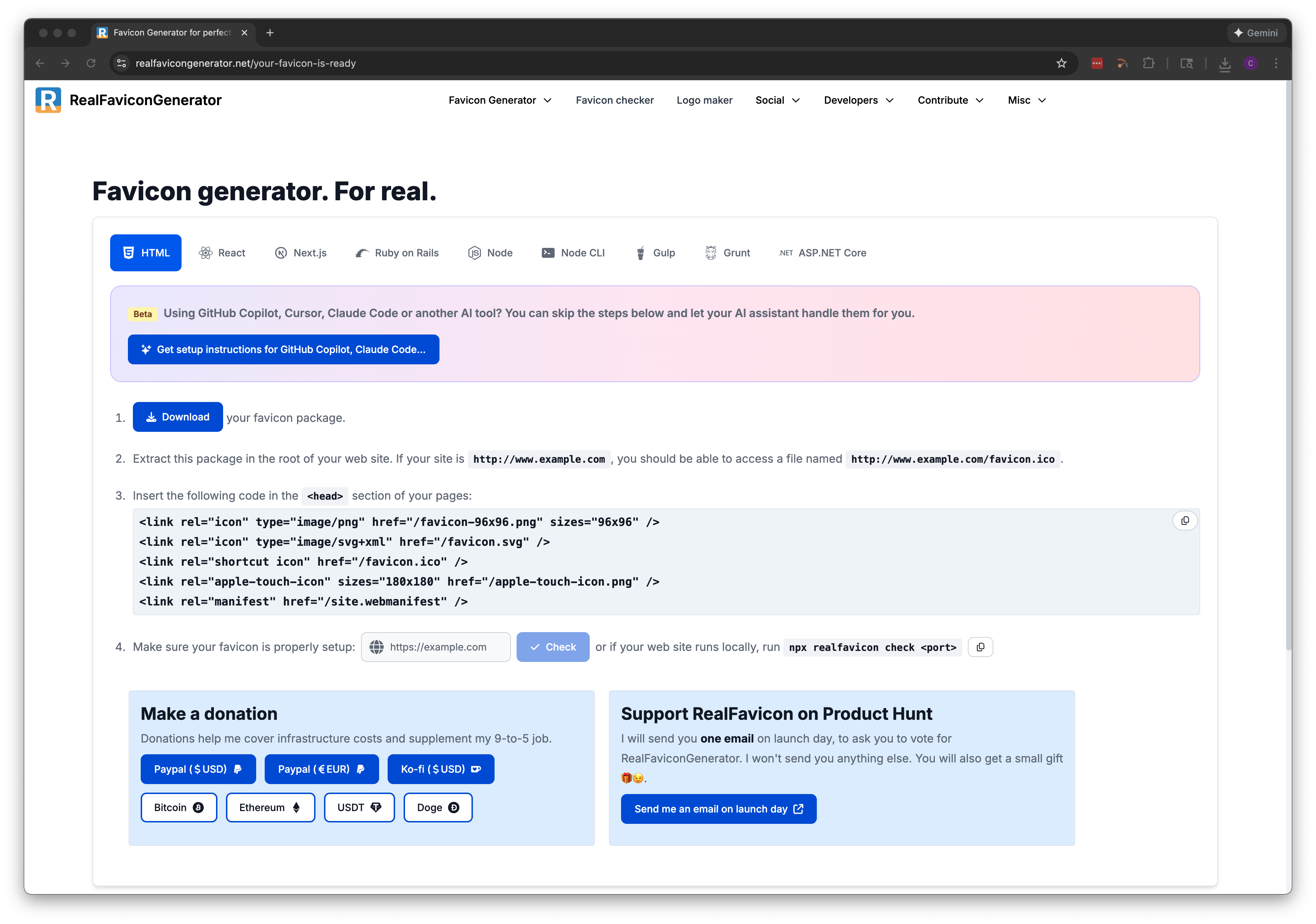
Once I had the favicon package generated, I had to add the code to my pages. The code has to be added to each page in the <head> section.
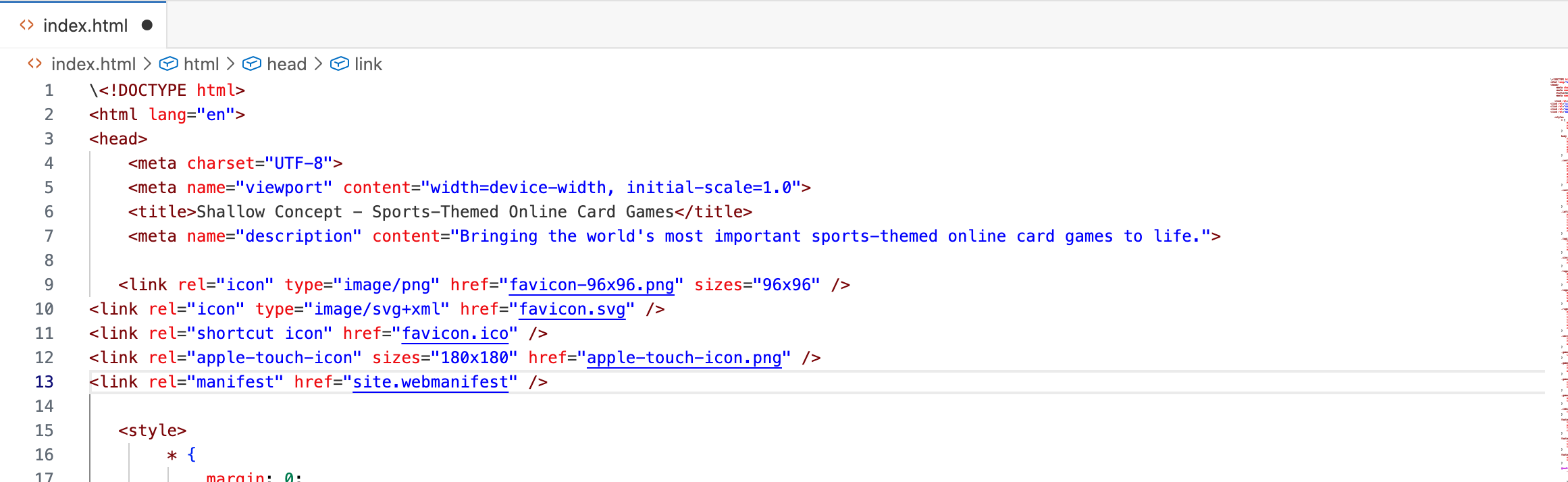
Once I had the packages generated and the code pasted in, I saved, refreshed my local version of the site, and...nothing. Turns out the code from the free online generator doesn't account for any file path other than your favicon files being in your root folder. I spent more time troubleshooting the file path than I would like to admit, but ultimately got it sorted and pushed out the update.